
 Apr 15,2026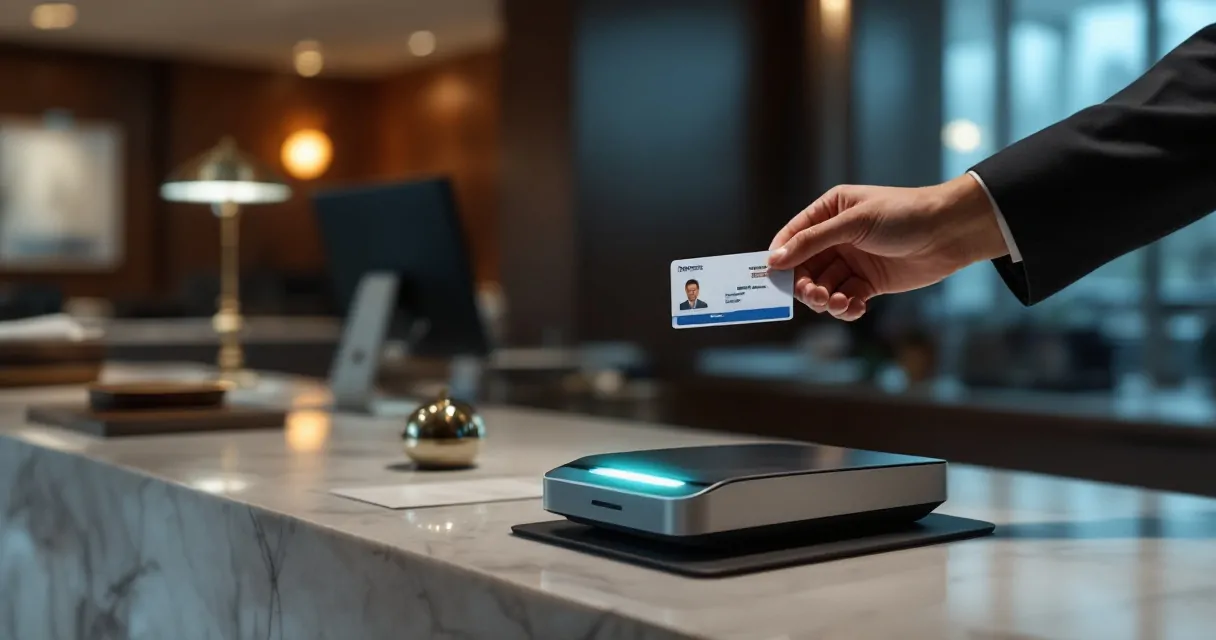
Front desk check-in often sets the tone for the entire hotel stay. Yet many properties still rely on manual ID entry, a process that slows staff down and increases the risk of errors or fraud. ChoiceAdvantage ID scanning changes that by capturing driver’s license or passport data instantly and pushing it directly into the property management system. Hotels using scanning technology can verify guest identity faster, improve record accuracy, and strengthen security policies. Platforms like GuestBan by Innstrata Hospitality build on this capability by helping hotels turn scanned data into actionable protection against chargebacks, banned guests, and operational risks. For hotelelier using ChoiceAdvantage or SkyTouch PMS, understanding how ID scanning works can significantly improve front desk efficiency and guest safety.
What ChoiceAdvantage ID Scanning Does for Hotel Operations
ChoiceAdvantage is the property management system used by many Choice Hotels brands, including Comfort Inn, Quality Inn, and Sleep Inn. GuestBan provides operational improvements in the ability to integrate ID scanning tools that read guest identification documents and automatically populate guest information fields.
Instead of manually typing names, addresses, and ID number, front desk staff scan the document. The scanner reads the machine-readable zone or barcode and sends the data to the PMS. This reduces typing errors and ensures the guest record matches the official ID.
Key Benefits for Front Desk Teams
Hotels adopting ID scanning with ChoiceAdvantage typically see three operational improvements:
- Faster check-in times during peak arrivals
- More accurate guest records inside the PMS
- Better documentation if disputes or chargebacks occur
For properties dealing with fraud or problem guests, digital ID capture also creates a verified record tied to the reservation. This helps hotels enforce Do Not Rent (DNR) policies and improve accountability.
Many properties combine ID scanning with guest monitoring systems. Tools highlighted in guides like how multi-property hotels manage DNR lists show how verified identity data helps multiple hotels share banned guest records safely.
Typical Data Captured During a Scan
| Data Field | Source on ID | How Hotels Use It |
|---|---|---|
| Full name | ID barcode or text | Matches reservation record |
| Address | Driver’s license data | Required for registration |
| Date of birth | ID barcode | Age verification |
| ID number | License or passport | Security and verification |
| Expiration date | Printed ID field | Prevents invalid documents |
Accurate identity data becomes especially valuable when resolving payment disputes or guest complaints months later.
Step-by-Step: How to Scan an ID in ChoiceAdvantage
The scanning workflow inside ChoiceAdvantage is straightforward once the hardware and drivers are installed. Most scanners used by hotels are USB devices that connect directly to the front desk workstation.

Starting the Scan During Check-In
Front desk agents typically follow a simple process during guest arrival:
- Open the reservation inside ChoiceAdvantage.
- Navigate to the Guest Information section.
- Place the ID on the scanner.
- Confirm that the captured data populates the guest fields.
Some scanners automatically detect the ID and process it without additional input, which helps staff move quickly during busy check-in periods.
Handling Double-Sided and Single-Sided IDs
Different identification documents require different scan methods.
Double-sided scanning usually applies to driver’s licenses. The barcode on the back contains encoded information that scanners can read automatically. Staff scan the front first for image capture, then flip the ID to scan the barcode.
Single-sided scanning is common with passports. The scanner captures the machine-readable zone at the bottom of the passport page and extracts the data.
Quick Reference Workflow
- Place ID face down on the scanner
- Scan front side image
- Flip ID and scan barcode or machine-readable area
- Confirm data populates automatically
- Save guest record in ChoiceAdvantage
Hotels that train front desk teams on this process typically reduce check-in time per guest, especially during group arrivals.
Security Advantages of ID Scanning for Hotels
Fraud, identity misrepresentation, and chargebacks cost hotels time and revenue every year. ID scanning gives operators a reliable way to verify who is staying on the property.
Preventing Chargebacks and Fraud Claims
Chargebacks often occur when a guest disputes a transaction and claims they never stayed at the hotel. A scanned ID creates a digital record that helps prove the identity of the guest at check-in.
Hotels implementing stronger verification policies often combine ID scanning with payment verification tools such as ChargeShield chargeback protection. Together they provide both identity confirmation and payment defense.
Improving Safety for Staff and Guests
Hotels sometimes encounter guests who previously caused damage, disturbances, or criminal issues. ID scanning helps identify repeat offenders quickly.
A real-world example shows how identity verification matters. In one incident reported by local authorities, police were able to locate and arrest a suspect staying at a hotel property after staff cooperation and identity verification procedures. Coverage of a similar event can be seen in this report about a Bangor police arrest at a hotel.
Operational Benefits Beyond Security
ID scanning also improves everyday operations:
- Accurate guest marketing databases
- Faster registration card completion
- Easier compliance with local reporting requirements
- Reliable documentation during disputes
Why Documentation Matters
“An ounce of prevention is worth a pound of cure.”, Benjamin Franklin, Founders Online
Hotels that document guest identity at check-in reduce operational headaches later. Even a simple digital scan can make the difference when dealing with disputes or law enforcement inquiries.
Choosing the Right ID Scanner for ChoiceAdvantage
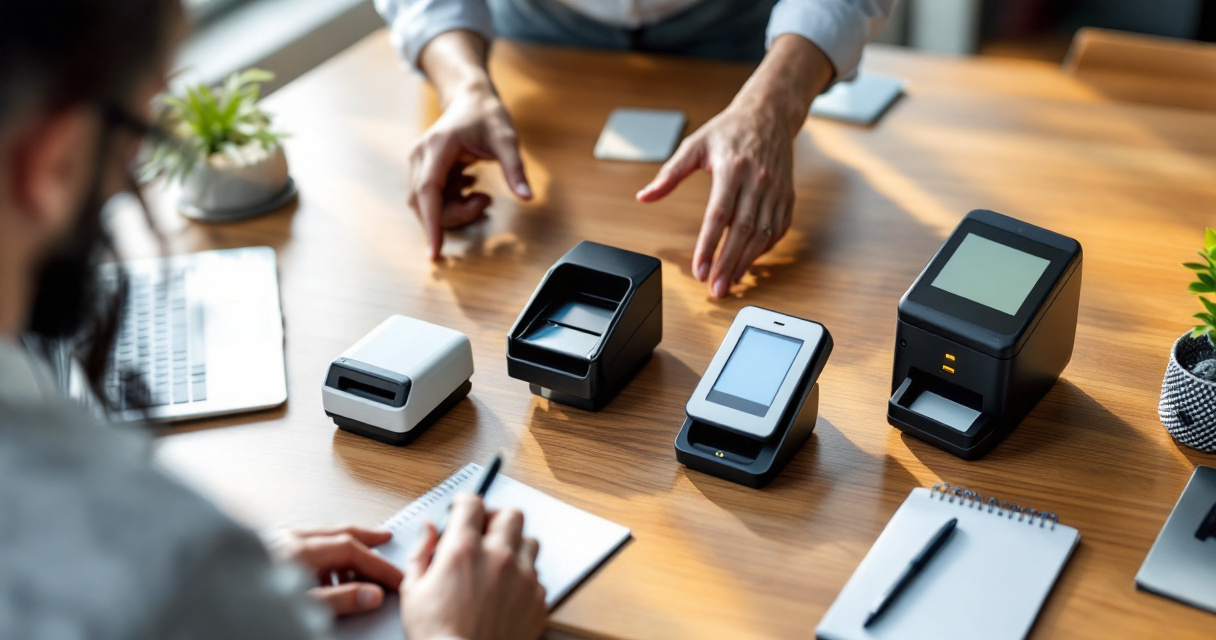
Not every document scanner works well at a hotel front desk. Speed, barcode recognition, and integration support all matter when selecting a device compatible with ChoiceAdvantage.
Key Hardware Features to Look For
Hotel operators should evaluate scanners based on several capabilities:
- Automatic barcode decoding for driver’s licenses
- OCR support for passports and international IDs
- USB connectivity for quick setup
- Compact design for crowded front desks
- Fast scan speed under two seconds
- Secured web portal access
- Access control to sensitive data
These features allow the scanner to capture guest data quickly without slowing down check-in.
Comparison of Common Scanner Capabilities
| Feature | Basic Document Scanner | GuestBan ID Scanner |
|---|---|---|
| Barcode decoding | Limited | Yes |
| Passport recognition | Often manual | Automatic |
| PMS integration | Rare | Supported |
| Scan speed | 10–20 seconds | 2–5 seconds |
| Guest data autofill | No | Yes |
| Web Portal Access | No | Yes |
| Security | No | Military-Grade Encryption |
For a deeper breakdown of recommended hardware models, see this guide on the best ID scanner for hotel front desks.
Video: Example of Hotel ID Scanning in Action
Seeing the process helps front desk managers understand how quickly scanning works in real check-in situations.
How Modern Platforms Expand ID Scanning Beyond the PMS
Scanning an ID is only the first step. The real value appears when that data connects to other hotel systems that manage security, payments, and guest history.
Connecting ID Data to Guest Risk Management
Platforms like Guestban by Innstrata extend the usefulness of scanned identity information by linking it with risk monitoring tools. Instead of storing the data only inside the PMS, hotels can connect it to systems that track problematic guests across properties.
For example, the Innstrata Hospitality platform supports features that help hotels:
- Track repeat offenders across multiple properties
- Share DNR alerts with partner hotels
- Identify chargeback patterns tied to guest identities
- Maintain digital guest records for compliance
Hotels exploring the broader operational benefits can review additional insights on the Innstrata blog, which covers guest verification strategies and fraud prevention.
Operational Efficiency for Independent Hotels
Independent and small portfolio operators often face staffing limitations. Automating front desk tasks with ID scanning reduces manual work while improving accuracy.
Conclusion
ChoiceAdvantage ID scanning helps hotels solve several front desk challenges at once. It speeds up check-in, improves guest record accuracy, and creates a reliable identity trail that protects the property from fraud or disputes. For hotel owners managing multiple properties or high guest turnover, those advantages quickly translate into fewer operational problems and stronger security.
The biggest gains come when scanning data connects with broader hotel management tools. Platforms such as Innstrata Hospitality combine identity verification, chargeback protection, and guest monitoring into a single operational framework. If you want to strengthen guest verification and operational control, explore the solutions available at Innstrata Hospitality or request a product walkthrough through their demo page. A simple improvement at the front desk can protect your property long after the guest checks out.